Using a foot pedal to control my computer has allowed me to transcribe and learn songs faster. I’m able to start, stop, and navigate songs in my DAW without taking my hands off my instrument. This is a great boon for transcription especially, because my attention can be spent on listening and arranging notes on the fretboard instead of futsing with my keyboard or mouse.
My process for learning a new song starts with loading the reference track into my DAW. I use Reaper, but this should work with any DAW. Then I begin annotating or “checkpointing” the song with markers. Markers are how I move the playhead using my feet.
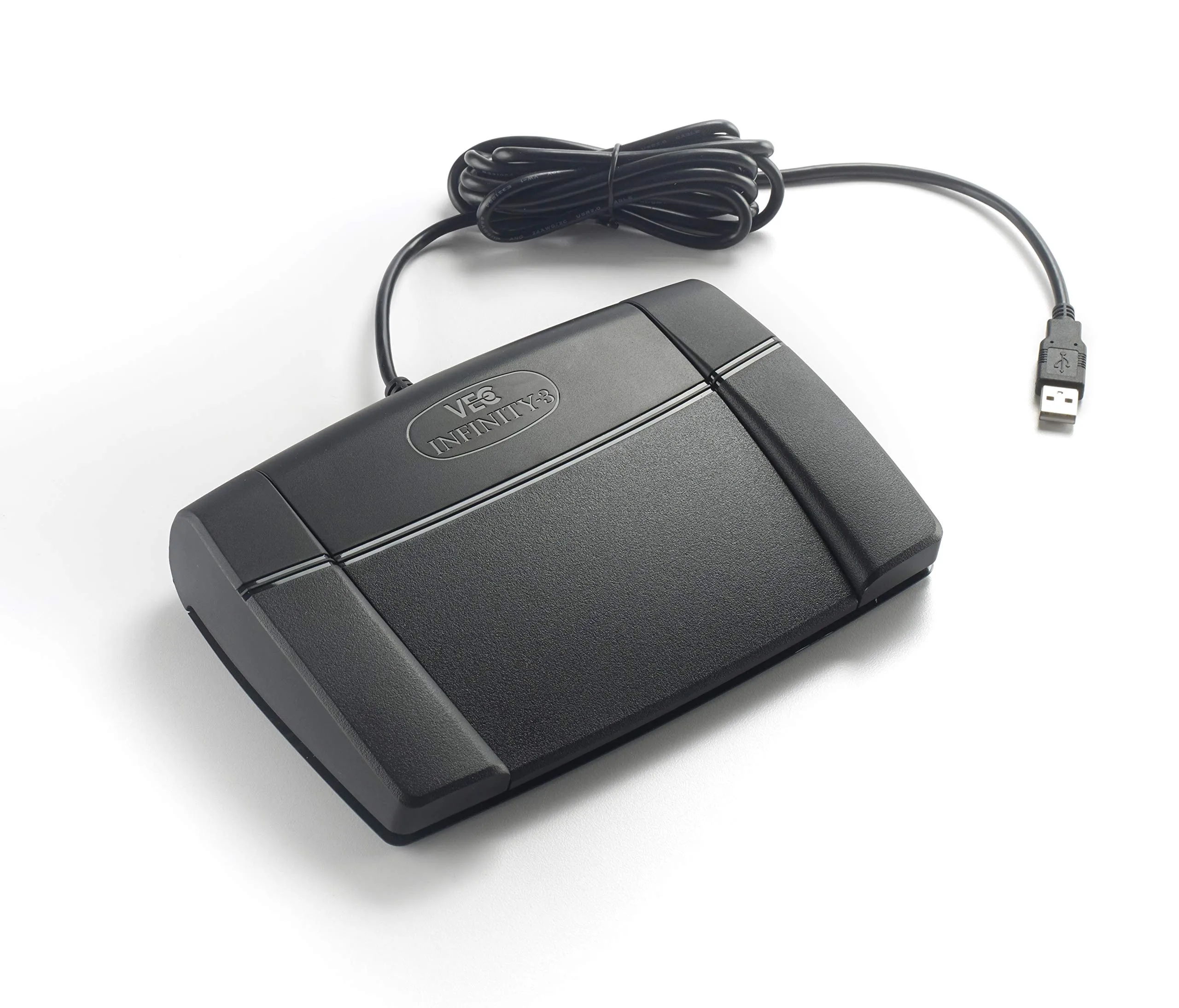
Most digital foot controllers, including mine, have three buttons: left, center right. I have the left and right and right pedals setup to trigger Reaper actions “Go to previous marker” and “Go to next marker”, respectively. This is configured by mapping pedal button presses to the corresponding Reaper hotkeys, ’[’ and ’]’ by default. See your pedal software and DAW actions about mapping hotkeys.
With these configured, we can jump across points in our song preciscely. I also experimented with mapping the left and right buttons to reverse and fast forward, but this was a bit too unwiedly. Jumping with markers is far more practical.
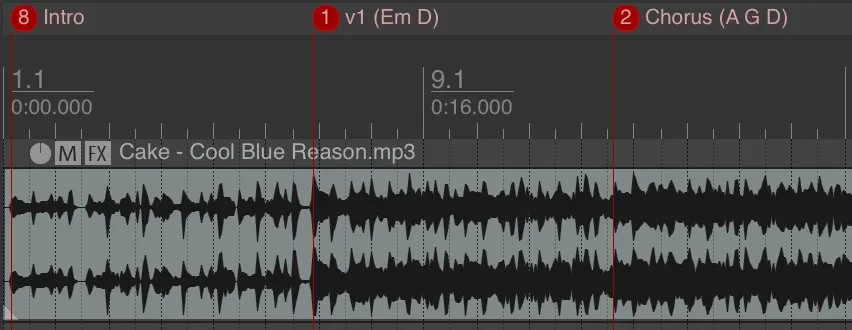
I use markers to chunk songs into manageable sections, small enough that I can sing the chunk or at least hear it in my head. For simple tunes, I may only need a few markers to get the idea across.
Though for something more complex I might use hundreds.
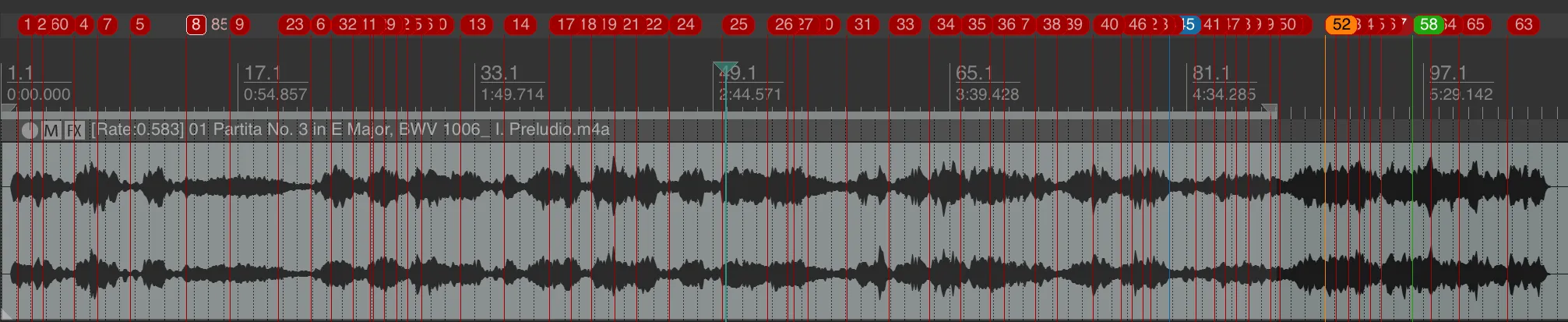
For particularly complex items, I will often use many markers for a given section. Then, when the section is learned (but perhaps not up to speed), I will delete the inner markers resulting in less tap dancing. There’s a lot of flexibility in how you can use markers, e.g., color, label (or lacktherof). This all comes down to personal preference.
The most important pedal button is the center one. I use this to stop and start playback. I prefer using stop over pause because stop will return the playhead to the position at which playback started while pause will keep it where it’s at. This means that a quick double tap of the center button will replay from the the current chunk. This alone has saved me so much time when transcribing, especially when you’re operating with a muddy mix.